- No viruses
- No spyware
- No malware
com.nexstreaming.app.kinemasterfreeThis file was downloaded, scanned and installed by our editors before publishing.

KineMaster MOD APK (Premium Unlocked, No Watermark)

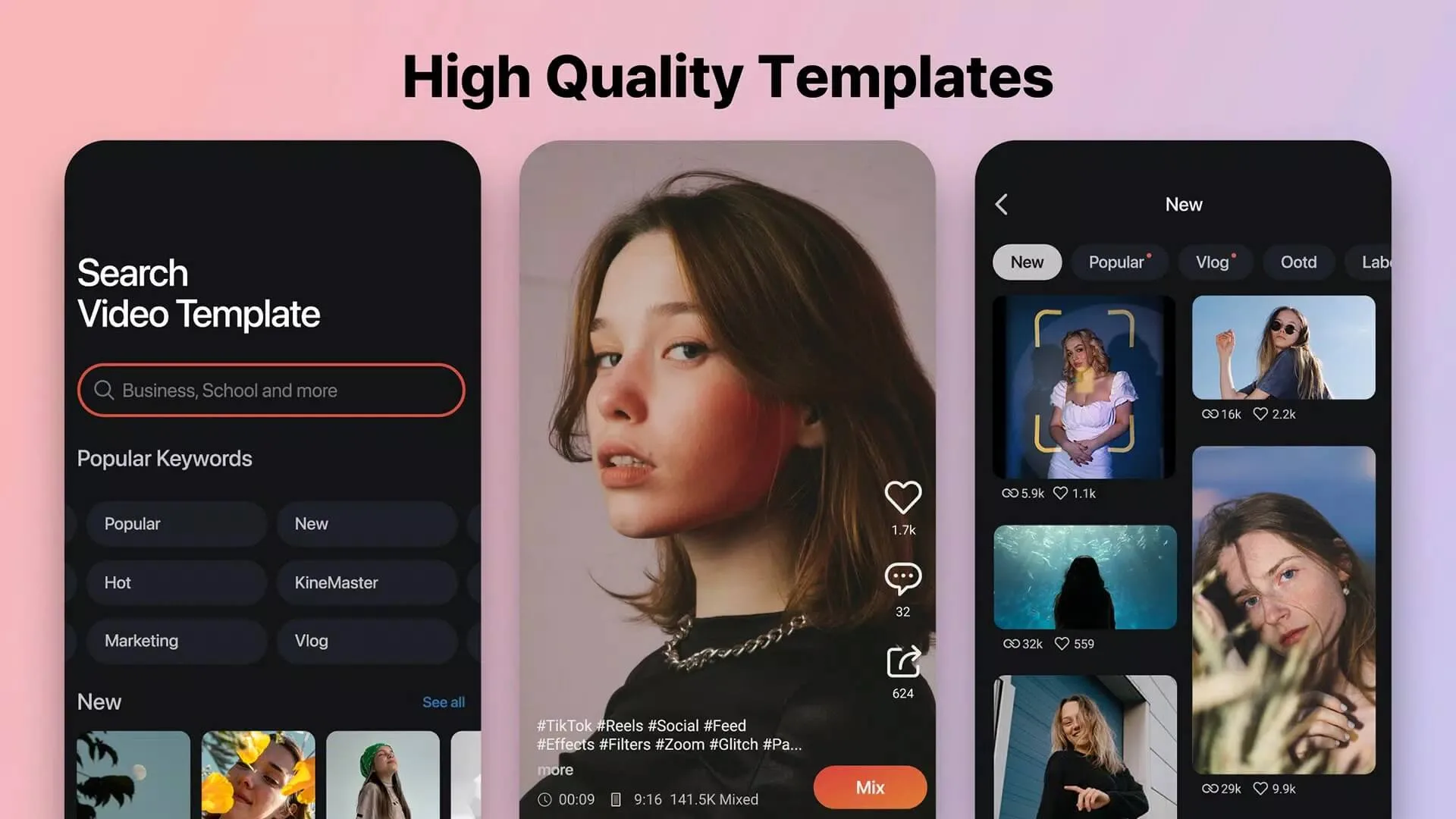
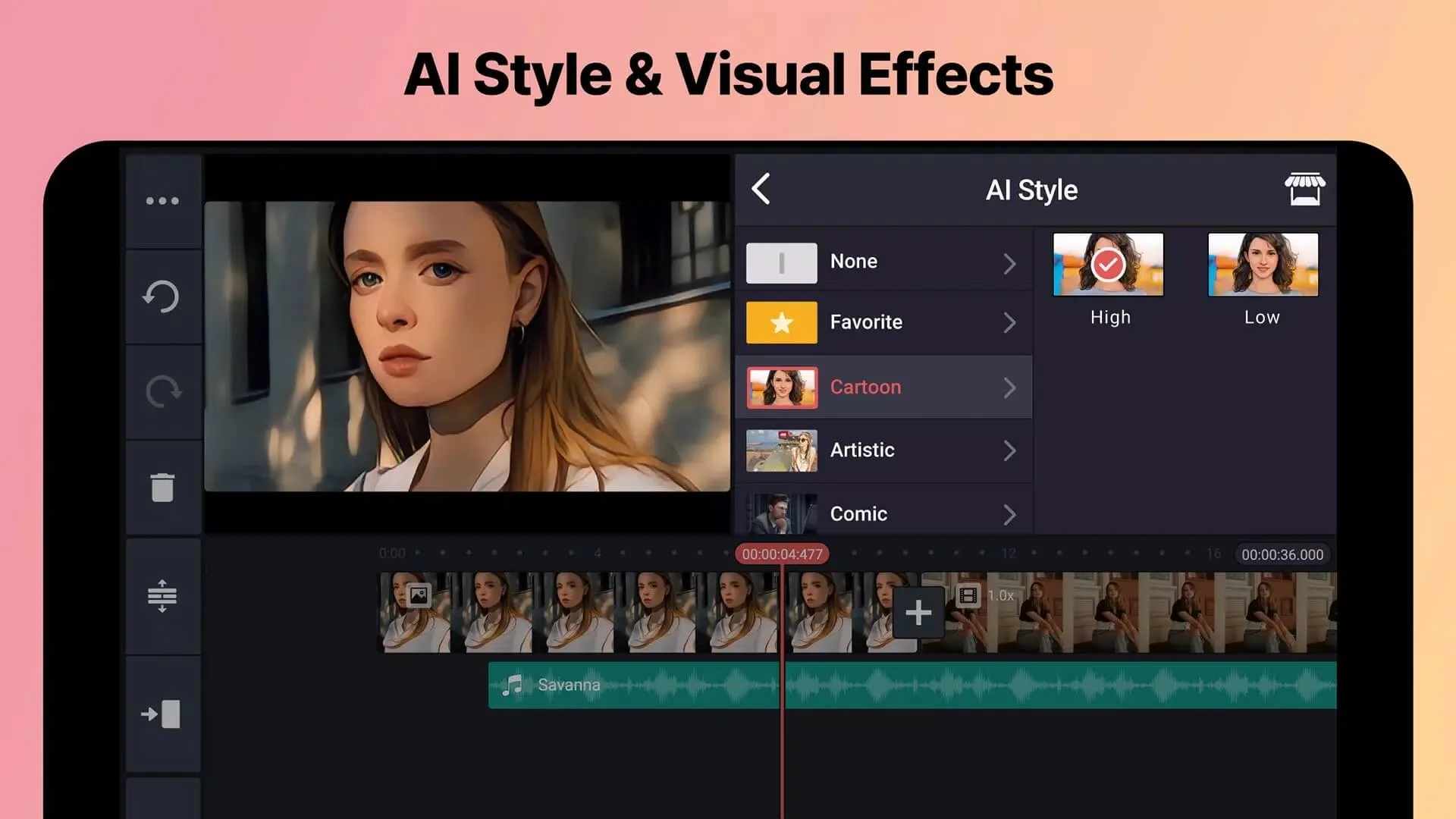
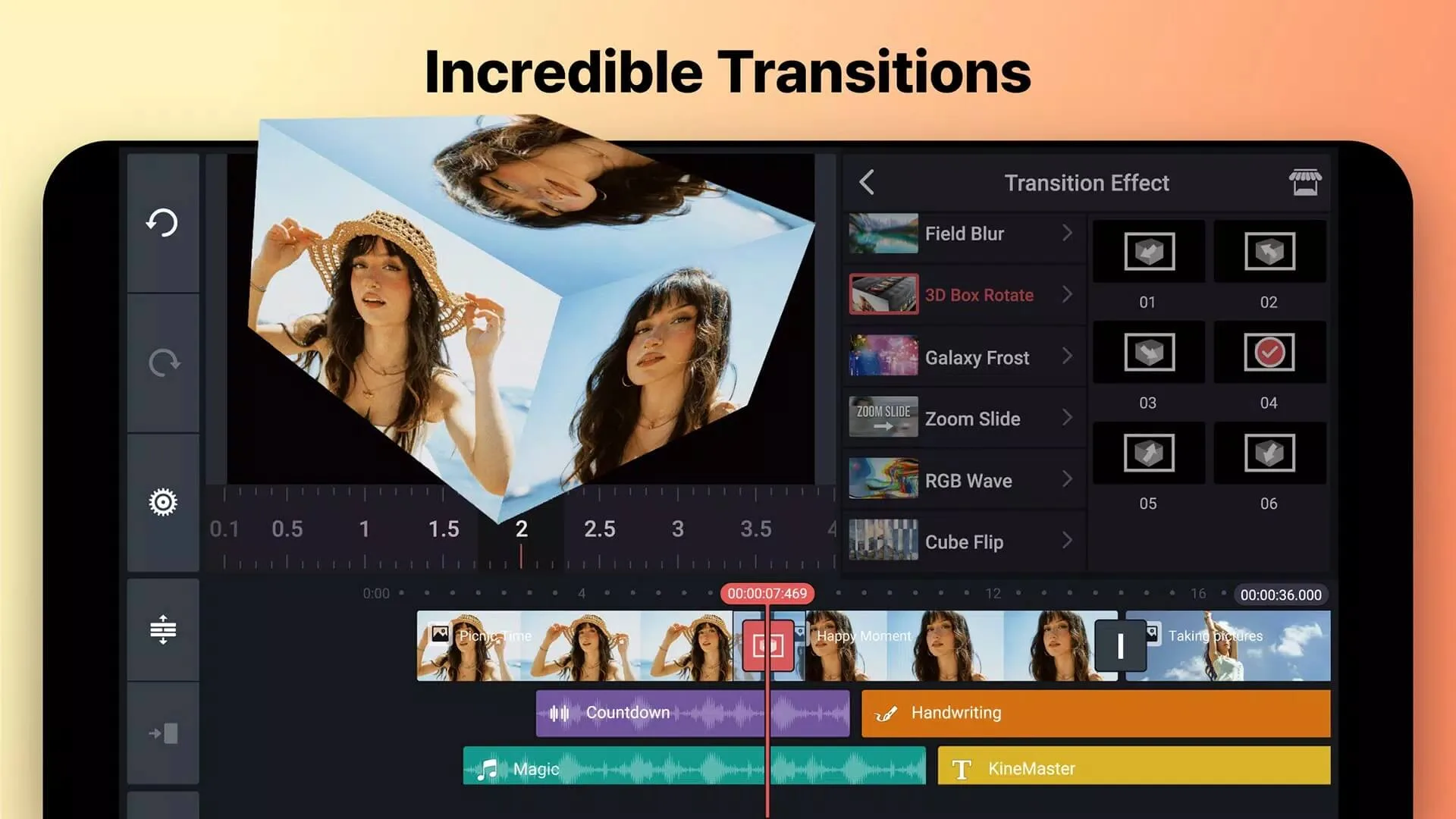
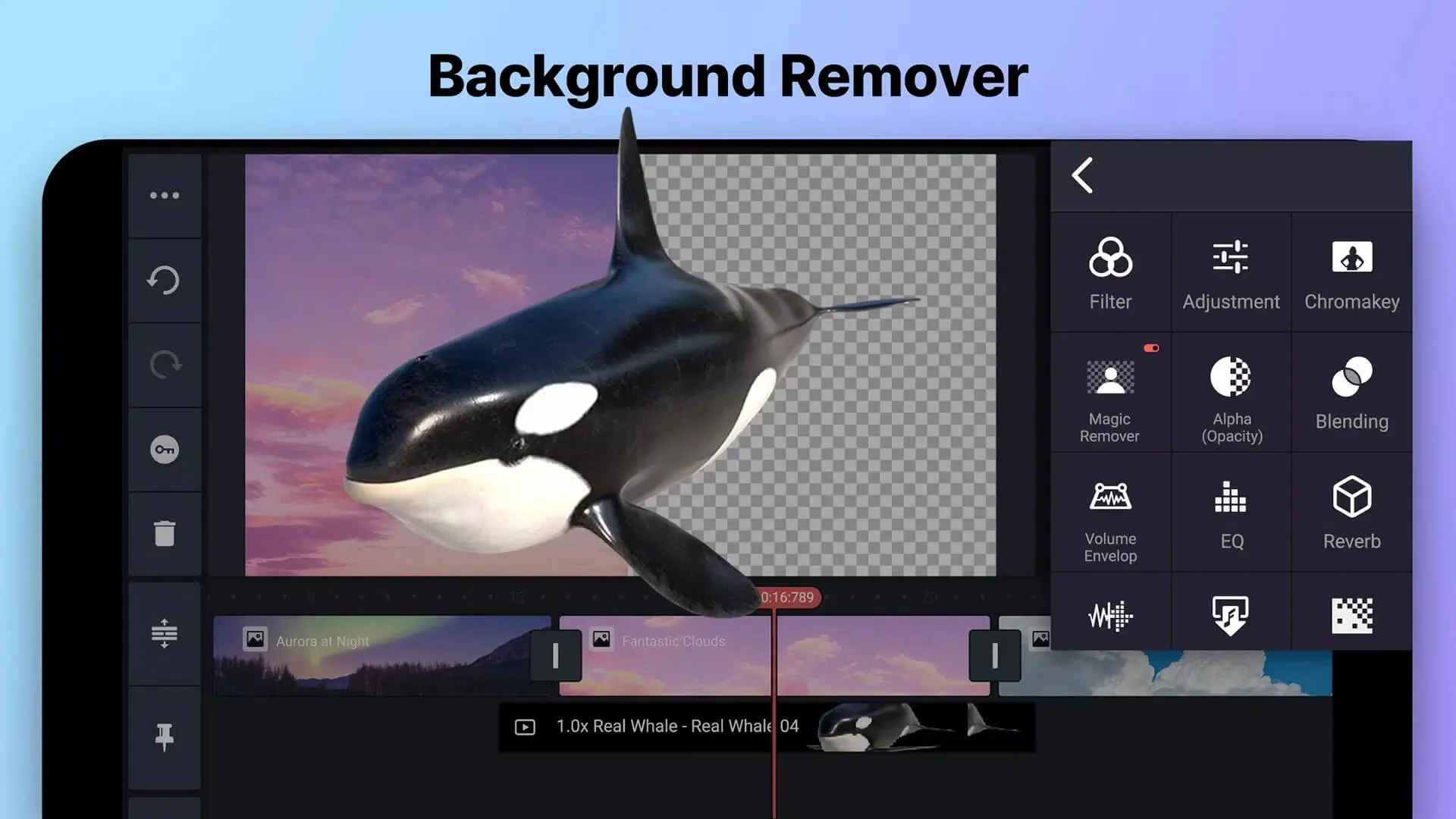
Additional information about KineMaster MOD APK (Premium Unlocked, No Watermark)
com.nexstreaming.app.kinemasterfreeThe description of KineMaster MOD APK (Premium Unlocked, No Watermark)
KineMaster MOD APK unlocks the premium interface and strips the watermark from every video you export, so your clips go out clean, no ads and no "Made with KineMaster" stamp across the frame. Layers, chroma key and 4K export are open from the first launch. One honest note up front: part of what KineMaster calls premium lives on the app, and part of it lives on KineMaster's servers, so a mod can hand you some of it but not all. We'll show you which is which. Every file on this page is scanned for malware and installed on a real Android device by our editors before publishing, we have done this since 2018.
What is KineMaster?
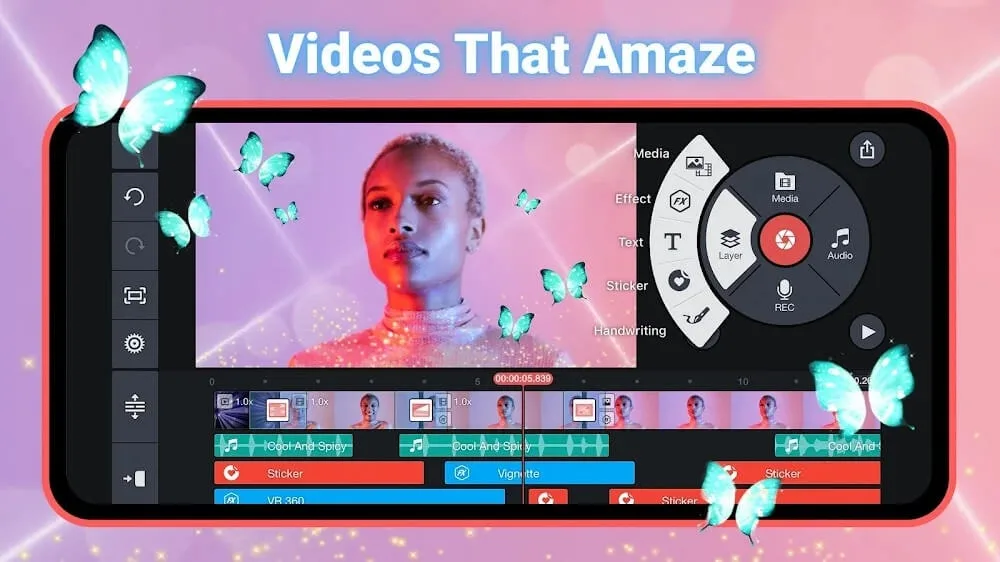
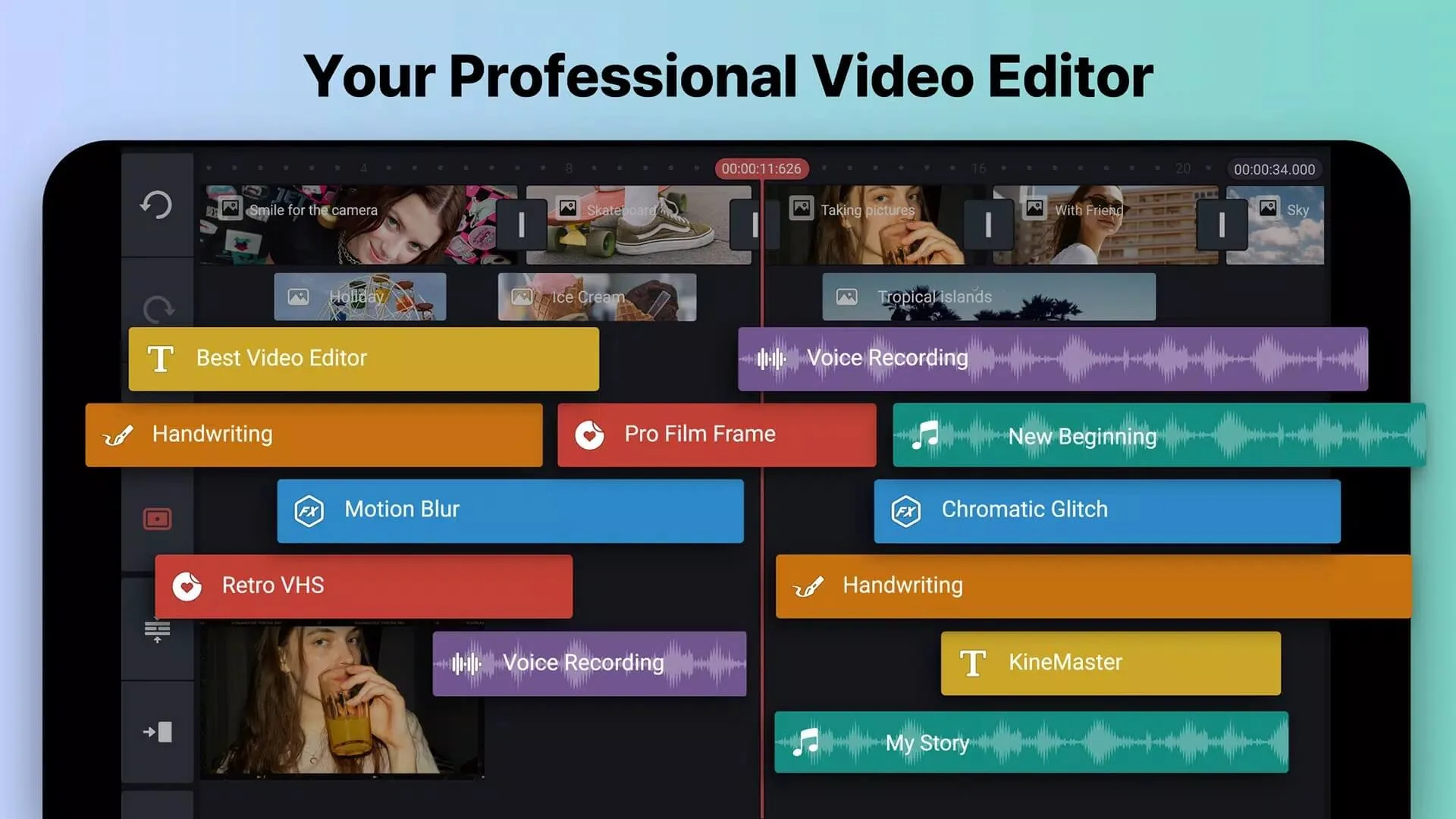
KineMaster is a full mobile video editor from KineMaster Corp, the Video Editor Experts Group. It works in layers: you stack video, images, text, stickers and effects on top of each other, then trim, cut and splice each one with frame-level control. That is the part most phone editors get wrong. KineMaster gets it right.
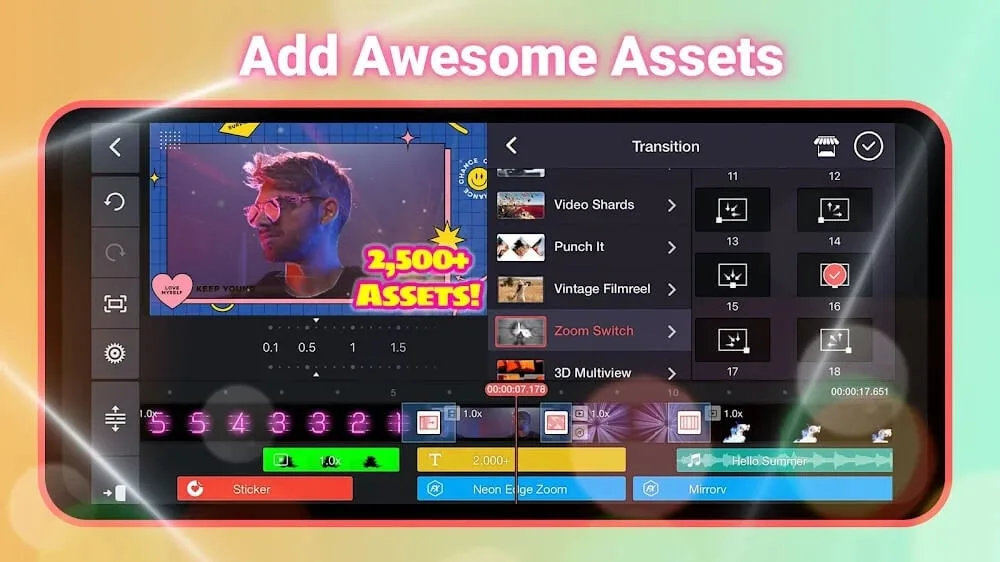
On top of the timeline you get transitions, colour correction, chroma key for green-screen shots, and keyframe animation to move and scale elements over time. Export runs up to 4K. Creators reach for it on YouTube, Instagram and TikTok because it does desktop-style editing on a phone. The app is around 141 MB and needs Android 8.0 or newer.
What the MOD gives you
| MOD feature | What it changes in the app |
|---|---|
| No watermark | The "Made with KineMaster" mark is removed from your exports. This flag is client-side, so it works. |
| No ads | Banner and interstitial ads are stripped out of the editor. |
| Premium UI unlocked | The premium interface and locally-gated options are opened up. |
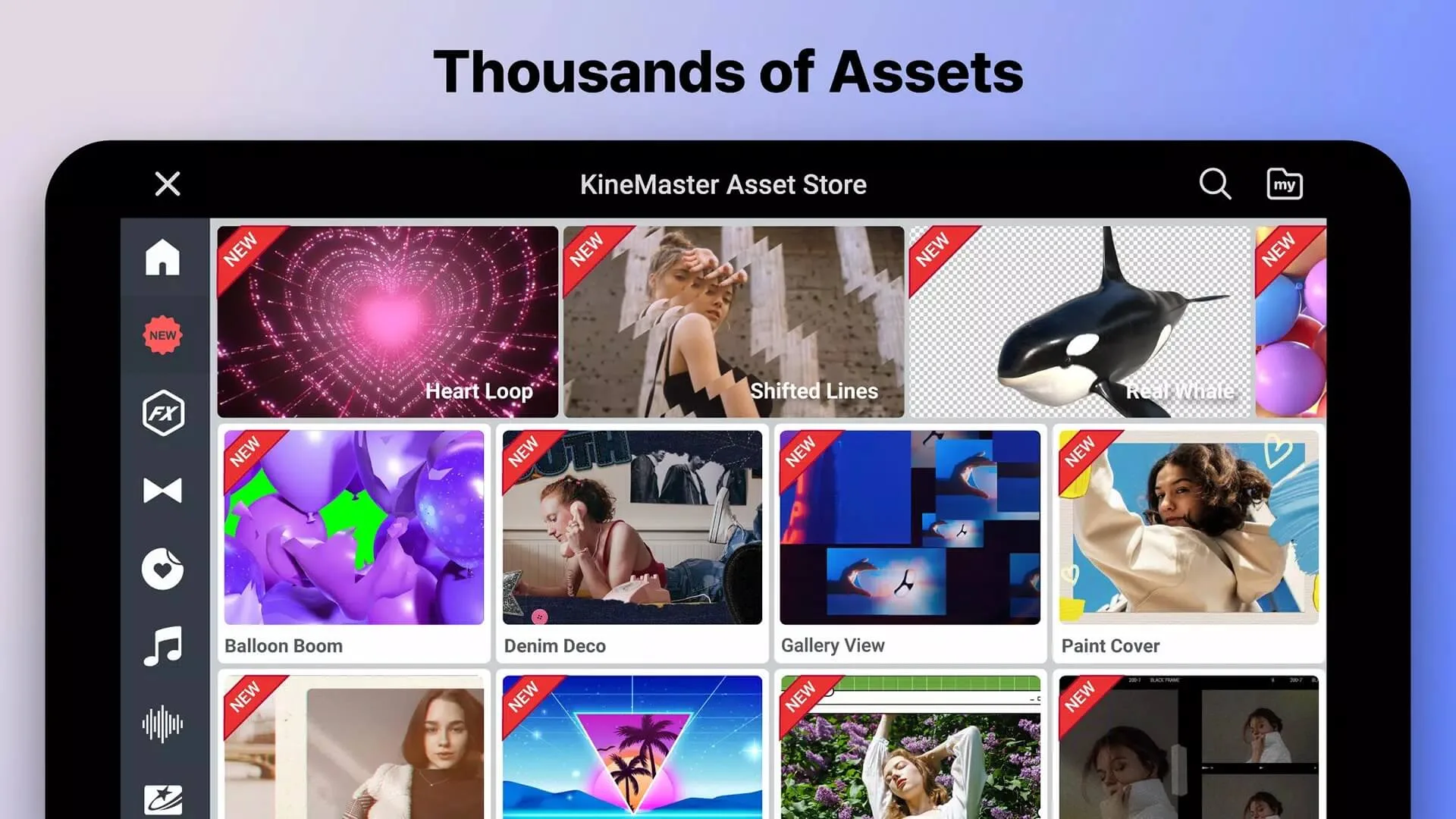
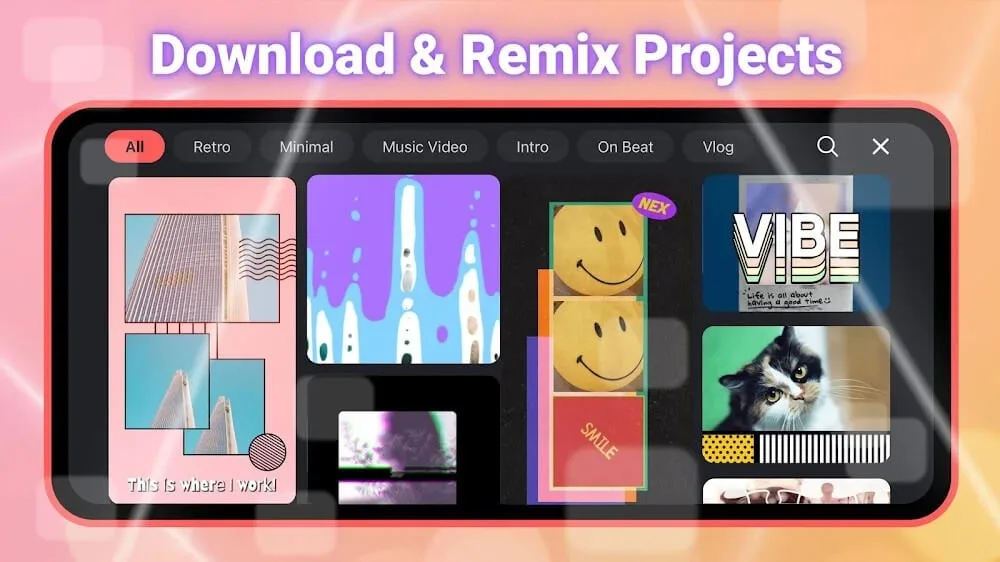
Here is the honest bit. The premium assets in KineMaster's online Asset Store, and the KineMaster Premium subscription features, are checked against KineMaster's servers, not just your phone. So the mod can open the app's premium look, but it can't promise every paid sticker, font or effect will actually download. Some may stay locked.
Client vs server: what really unlocks
This is the part most mod pages skip. A video app has two kinds of premium. Some of it is decided on your device, and some of it is decided online.
The watermark and the local premium flags are handled inside the app itself, so a mod can flip them and they stay flipped, the no-watermark export is genuine. But the KineMaster Premium subscription and the paid downloads in the Asset Store are validated through your account on KineMaster's servers. A mod can't fake that check, which means those parts may not open, whatever a download page claims.
Two more things worth saying plainly. Signing into your account through a modified build breaks KineMaster's terms of service, and that can get the account banned, the risk sits with you. A mod build also does not receive official updates or security patches, so it can fall behind the Play version over time. If none of that suits you, the legal subscription is the clean route, more on that below.
Key editing features
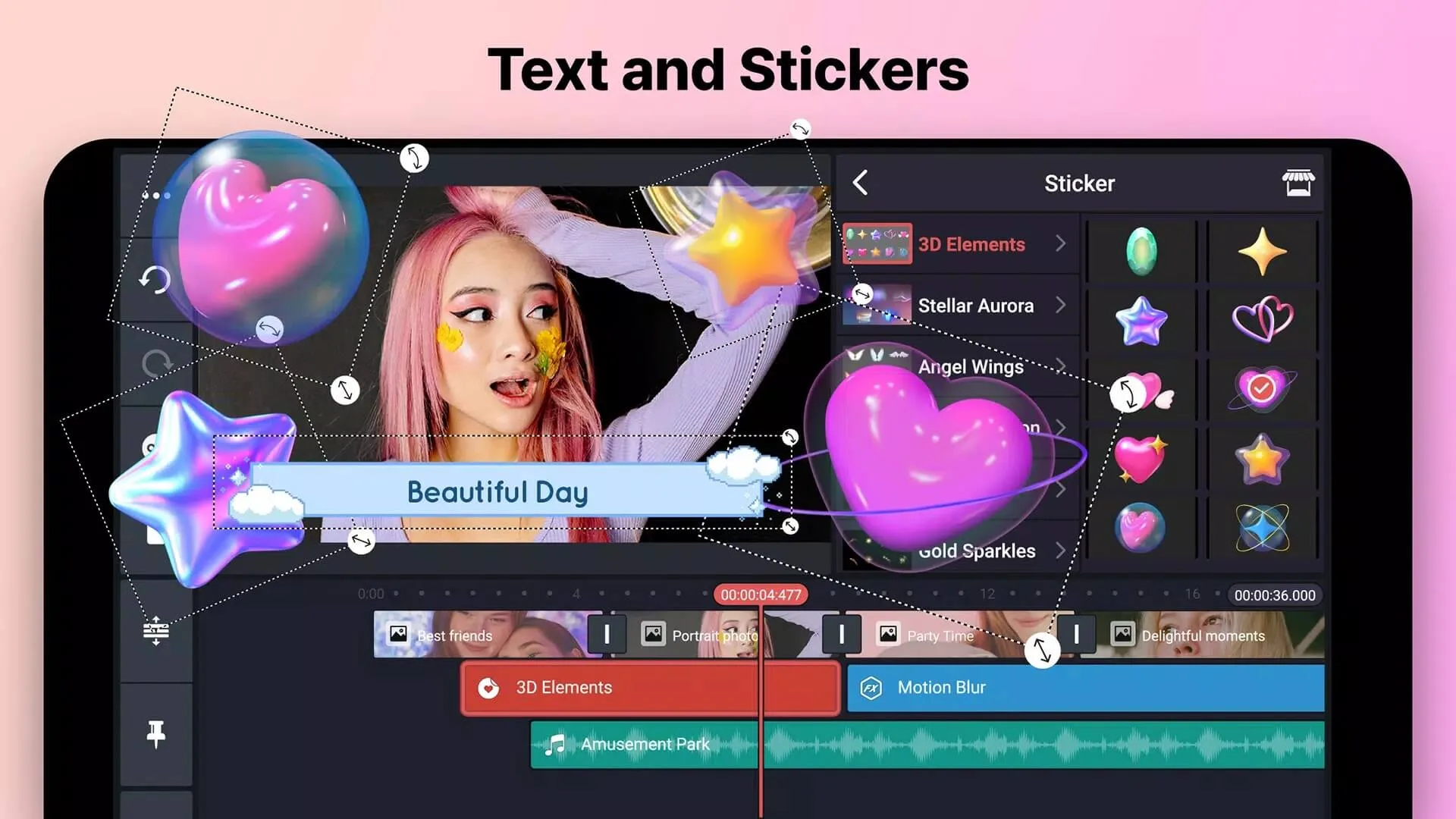
- Layers and masks: stack video, images, text and stickers, and mask them for clean cut-outs.
- Chroma key: drop a green-screen background and swap in your own footage.
- Speed control and reverse: slow-mo, fast-forward, or run a clip backwards.
- Keyframe animation: move, scale and rotate any element over time.
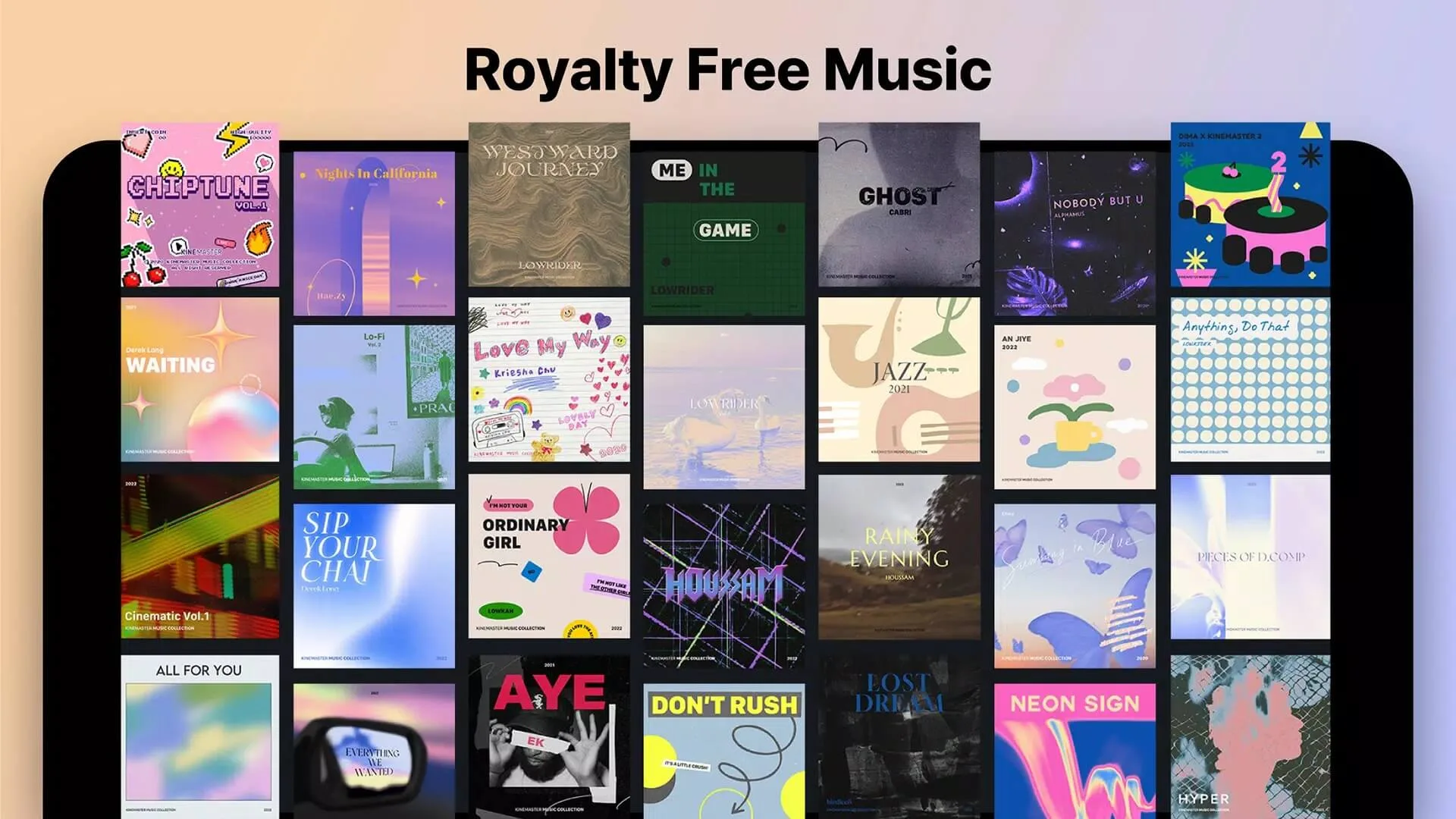
- Audio tools: add music, record voiceovers, and mix levels track by track.
- Export up to 4K: render at 1080p or 4K depending on your phone.
- Transitions and effects: ready-made transitions, filters and blend modes.
How to download and install KineMaster MOD APK
This is an Android app, so the install happens on your phone, not on a computer. It takes about a minute.
- Allow installs from unknown sources for your browser or file manager (Settings → Security, or Apps → Special access).
- If the Google Play version is already on your phone, uninstall it first, the mod won't install over it because it is signed differently.
- Tap the green Download APK button at the top of this page, the file comes down directly.
- Open the downloaded APK, tap Install, then launch the editor when it finishes.
The download is around 141 MB and needs Android 8.0 or newer, so keep some free storage and stay on Wi-Fi while it lands. First time sideloading an app? Our APK install guide walks through the same steps with screenshots.
MOD or original?
The original KineMaster is free on Google Play, but free exports carry the watermark and the app shows ads. A paid KineMaster Premium subscription removes the watermark, clears the ads and opens the Asset Store the legal way, with stable updates and no ban risk. It supports the people who build the app, too.
The mod trades that for a free unlock: the watermark and ads go on the client side, which works, while the server-side extras and the account risk are the trade-off you accept. Your call. For more options, browse our other tools and MOD apps, or check InShot Pro for a lighter editor with a similar no-watermark setup.
FAQ
Does the KineMaster MOD remove the watermark?
Does the MOD unlock the full Asset Store?
Can my account get banned?
Is the MOD APK safe?
What can KineMaster do?
How big is the app and what do I need?
Download KineMaster Mod (Premium)
- No viruses
- No spyware
- No malware
The reviews (1)